Overview
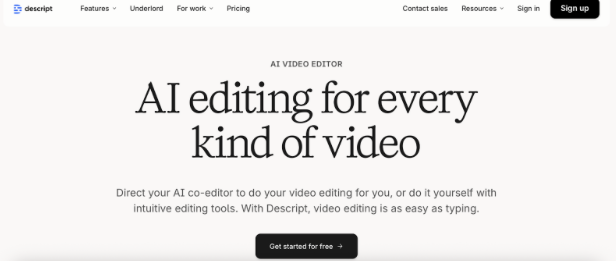
Descript revolutionizes video editing by allowing users to edit videos by editing transcripts, making video production accessible to non-editors. It includes screen recording, AI voice generation, and podcast editing, making it ideal for advertisers creating video ads, tutorials, and social video content without traditional editing expertise.
Key Features
- Transcription-Based Editing: Edit videos by editing text transcripts making video editing as simple as word processing.
- Overdub (AI Voice): Generate AI voices that sound like you for corrections and additions without re-recording footage.
- Screen Recording: Built-in screen recorder captures presentations, tutorials, and demos for video advertising and content.
- Podcast Editing: Specialized tools for podcast production including multi-track editing and audio enhancement features.
- Filler Word Removal: Automatically detect and remove filler words like “um” and “ah” for polished final videos.
- Templates & Effects: Video templates, transitions, and effects create professional-looking content without advanced editing skills.
Pros
- Revolutionary editing approach makes video production accessible to marketers without traditional editing experience.
- Dramatically faster editing workflow compared to traditional video editors saving hours on production time.
- AI voice generation enables corrections and additions without expensive re-recording sessions and reshoots.
- Screen recording integrated directly into editor streamlines workflow for tutorial and demo video creation.
- Affordable pricing starting at $12/month makes professional video editing accessible to small budgets.
Cons
- Transcription-based approach works best for talking-head videos; less suited for highly visual, cinematic content.
- AI voice quality, while impressive, may not perfectly match original voice requiring careful usage decisions.
- Advanced video effects and color grading capabilities limited compared to professional editing software.